Stop retyping. Start downloading.
Small businesses drown in paper. Expense reports, bookkeeping, vendor onboarding, CRM data entry — hours lost every week to copying numbers from paper into spreadsheets.

The shoebox of receipts
Every expense report starts with a pile of crumpled paper and an evening you'll never get back.
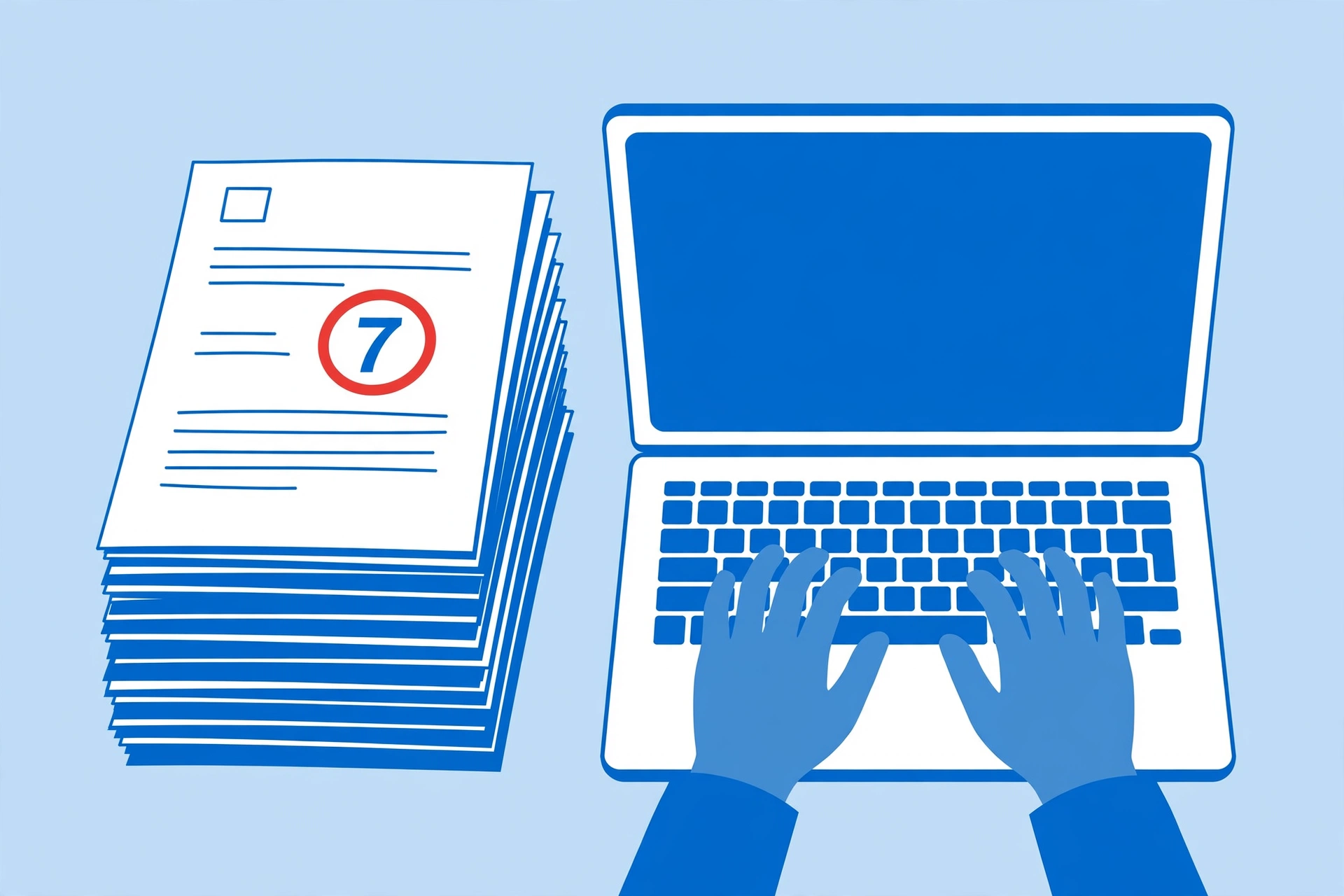
Manual data entry
Re-typing invoice line items by hand is slow, and one wrong digit poisons the whole spreadsheet.
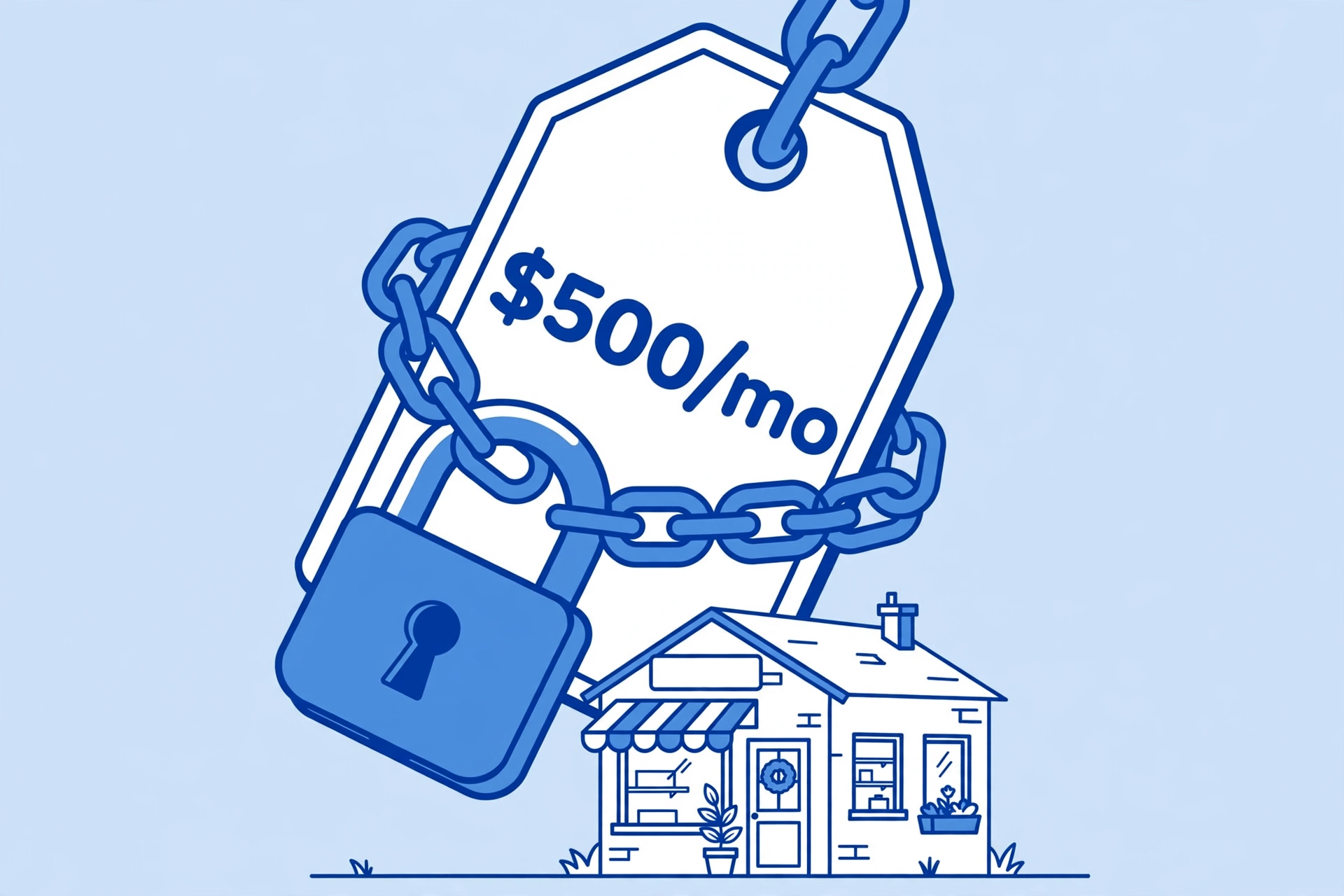
$500/month tools
Enterprise OCR starts at $500 a month — priced for corporations, not the shops that need it most.
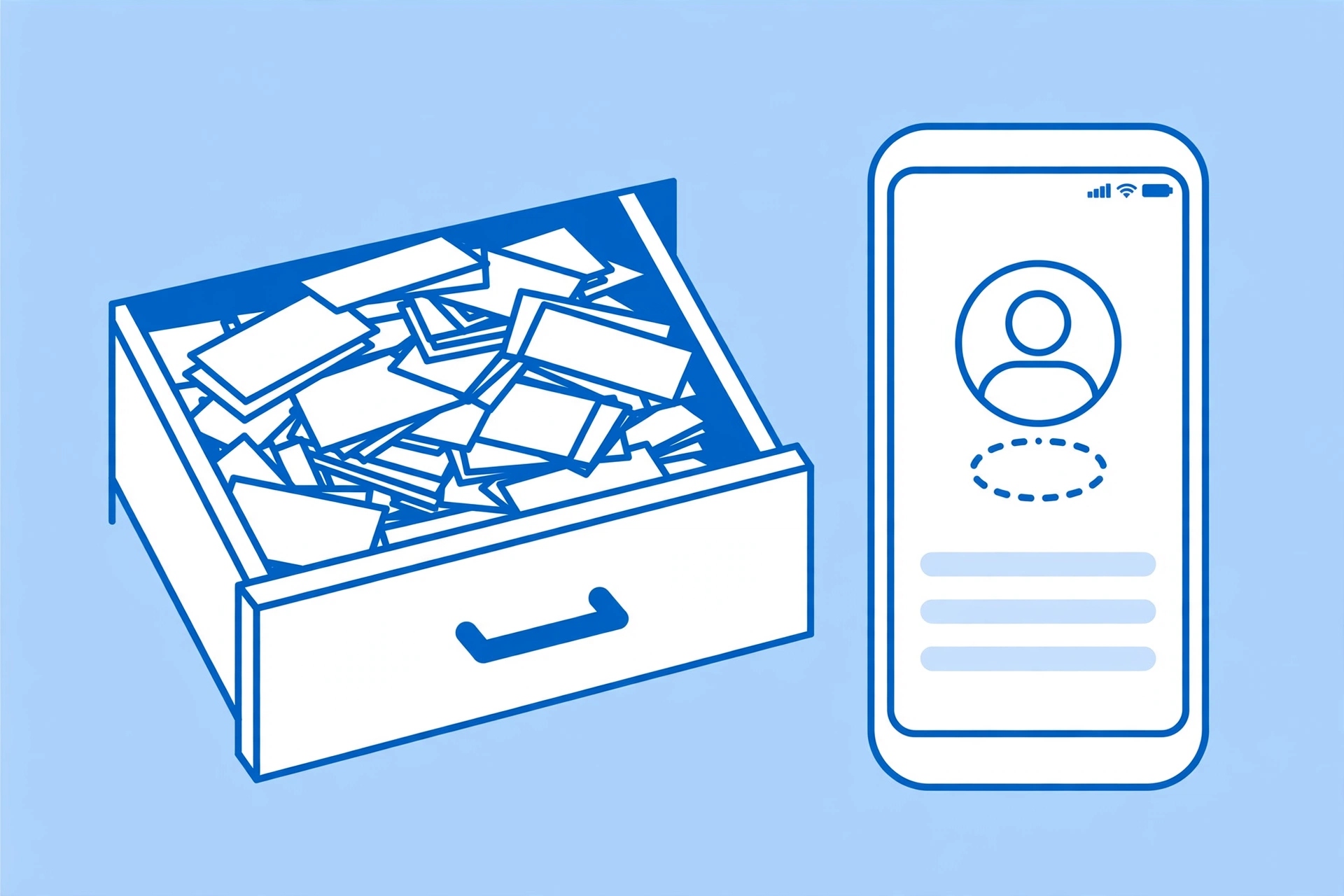
Contacts that never make it
Business cards from conferences sit in a drawer instead of your CRM, because typing them in is a chore.
Why the lab wins
Three things the $500/month tools can't say.
💸 Free to start, cheap to scale
10 documents free every month — no credit card. After that it's $0.03 per document, or $9.99/month for 500. The enterprise tools start at $500/month. We're not playing the same game.
🧠 It gets smarter with use
When you correct a misread field and opt in, your correction becomes training data. Every document the community processes sharpens the models for everyone — measured against a 10,000-document test harness, so improvements are real, not vibes.
🔓 Open-source engine
Built on open OCR and document-AI tooling, not a black box. You can see what the lab does with your files — and your files are processed and deleted, never kept, unless you explicitly opt in.
It gets smarter
Maddie's Lab does the 80% job for pennies: snap, review, download, done. But here's the part we're proud of — when you correct a misread field and opt in, your correction becomes training data. Every document the community processes makes the lab's models a little sharper for everyone.
That's the bet: free tools today, a learning flywheel that compounds. The more it's used, the better it reads.
Built for sensitive paperwork
Receipts, tax forms and invoices carry real personal data. We treat them that way.
🗑️ Deleted, not stored
Files are processed and deleted immediately. We never keep your documents unless you explicitly opt in.
🙈 Masked by default
SSNs, EINs and tax IDs are automatically masked in W-2 and W-9 output.
🤝 Opt-in training only
Corrections become training data only when you check the box. No surprises, ever.
🧹 Metadata control
Strip hidden EXIF and GPS data from files before you share them, with the Strip Metadata tool.
Questions, answered
What happens to my files?
They're processed and deleted immediately. We don't store your documents. If you correct fields and explicitly opt in, only the correction is kept as training data.
How accurate is the extraction?
Clean scans and photos typically extract very well; blurry phone photos can misread. That's why every tool has a review table — you fix any field before downloading, and the CSV/JSON reflects your corrections.
Which formats can I upload?
JPG, PNG and PDF for document tools (up to 10 MB); HEIC is supported for conversion. Downloads come as CSV, Excel (.xlsx) or JSON.
What's the difference between CSV and Excel downloads?
Both carry your data, but the Excel file reflects the server's original extraction while CSV and JSON reflect any edits you made in the review table.
How does the 'gets smarter' flywheel work?
When you fix a misread field and opt in, the original plus your correction is saved as a training record. Those records are exported to fine-tune future models — so the lab improves with use.